
Apache Junction Court Docket Searches
City cases begin at the official Apache Junction Municipal Court page. That page lists current contact, payment, and hearing instructions. Arizona Public Access to Court Information can also surface a participating case. Treat it with care. Local ordinance charges do not appear there. Its weekly data is not the official court record. Search court-first, then verify.
- Read the court caption and issuing agency on the citation.
- Copy the citation or complaint number with all punctuation.
- Use the municipal channel for a city case or the Justice Court channel for a precinct case.
- Review charge, status, event history, and the newest active setting.
- Contact the named clerk when the case is absent or a date needs confirmation.
A statewide name search is a fallback, not a shortcut. Common names and county-boundary confusion breed wrong matches. Before trusting any result as your Apache Junction record, compare the court, party role, case number, and filing date.
Apache Junction Boundary Docket Confusion
Apache Junction sits near a county line. So the mailing city proves nothing about which court owns a case. The issuing agency and the caption are better clues. A city ordinance citation may belong to Apache Junction Municipal Court. A county citation can belong to Apache Junction Justice Court. Any felony or general-jurisdiction matter goes to Superior Court.
The two local courts sit in different buildings. Municipal Court operates in Municipal Complex Building G at 300 E Superstition Boulevard. Apache Junction Justice Court is at 575 N Idaho Road. Pick by city name alone. Your payment or records request may reach the wrong clerk.
Quick answer: Use the court printed on the Apache Junction citation, not the mailing city, nearby landmark, or police agency alone.
A caption you cannot read calls for a phone call. Contact the court shown on the notice before filing a hearing form or paying anything. Each court keeps its own register and can authenticate only its own file.
Inside the Apache Junction Municipal Court
Apache Junction Municipal Court handles violations of city ordinances. It also handles the misdemeanor and traffic cases that arise within its authority. You will find it in Municipal Complex Building G, 300 E Superstition Boulevard, Apache Junction, AZ 85119. The published phone is 480-982-8250. Hours run Monday through Thursday, 7:30 a.m. to 5:30 p.m. The court is closed on Friday. For the directory itself, the City of Apache Junction website is the official government source behind current municipal services. That includes the court.
The city home page is not the case record. Use its Municipal Court route, or call the clerk, for the Apache Junction docket, a setting, or copies.
Apache Junction Payment Docket History
Apache Junction was Arizona's first AJACS court to pilot integrated Online Case Payment. That channel is a real local feature. Still, a pay screen is not a complete docket. It may show just enough identifying and balance data to finish a transaction, while the register holds the fuller sequence of charges, pleas, settings, court orders, payment events, and disposition.
| Source | Useful for | Not proof of |
|---|---|---|
| Payment screen | Eligible online payment | Complete case history |
| Municipal docket | Events, settings, status | Unrestricted document images |
| Clerk copy | Lawful record reproduction | Access to sealed material |
The court takes no payments by phone. Before paying online, read its plea and defensive-driving instructions. Payment can count as a case choice, not a placeholder while another option stays open.
Finding Apache Junction Court Dates
Note the printed appearance date first. Later court action can reset, continue, or vacate it, so search the case where available and read entries in time order looking for a newer hearing notice. A past setting may linger as history after a replacement date has been entered.
| Date | The active setting date after later entries are checked. |
|---|---|
| Time | The required appearance or calendar-call time. |
| Court | Municipal Court, Justice Court, or another court in the caption. |
| Setting Type | Arraignment, pretrial, hearing, trial, sentencing, or review. |
| Status | Scheduled, reset, continued, vacated, held, or completed. |
Filed a hearing request and heard nothing? Apache Junction asks the requester to follow up after five business days. Silence does not mean the appearance was canceled. Call 480-982-8250 with your citation number ready.
Apache Junction Hearing Request Fields
The city's hearing request form asks for concrete identifiers. These include the citation or complaint number, name and date of birth, mailing address, email, phone, and a short narrative. Those fields let the court match the request to the right Apache Junction file. They also let it send a notice through your stated contact route.
One caution shapes the sequence. Submitting the form waives the defensive-driving option. Review that certified route before choosing a hearing. Then make your permitted response by the stated deadline. Never file the form just to see what happens next.
Keep a copy of what you submitted. If no notice arrives within the court's five-business-day follow-up window, call the municipal clerk. Confirm your mailing and email details. Ask whether a setting was entered. The filing itself can join the Apache Junction docket. The public portal may still show only payment or status data.
Apache Junction Traffic Ticket Lookups
A traffic ticket lookup starts with the citation or case number. It is printed on the paper itself. Apache Junction's payment system can sometimes pull up an account. For the full register and copies, though, the municipal clerk is the office to ask. Citations issued at the county level name Apache Junction Justice Court instead. That clerk keeps those files. The two venues are not interchangeable.
Arizona's traffic Case Search accepts name or number for participating courts. Number entries follow the two-letter prefix plus digits, such as TR - 19010111. The entry pairs with a court selector. Local ordinance charges stay out of the statewide index. So if the state search comes up blank on a city matter, go back to the Apache Junction clerk.
Defensive driving is another route worth checking first. Effective April 1, 2026, Arizona's official table lists an Apache Junction court subtotal of $189. State and surcharge amounts come before the school fee. Confirm eligibility before paying a fine or requesting a hearing. The Pinal County traffic court resource breaks down the wider court and citation split.
Apache Junction Municipal Copy Requests
The Apache Junction portal may only show payment or status, not the papers themselves. When that happens, request the register or specific documents from the municipal clerk. Give the citation or complaint number, the exact item, and the date range. Say whether you need a certified copy. Sending the request to Pinal's Superior Court Clerk just because the city sits in Pinal County will not work.
Know the difference between an informational screen and a certified copy. One helps you track a case. The other is authenticated by the clerk who keeps the original municipal record. Fees and delivery steps change. Verify current costs with Apache Junction Municipal Court directly. Do not borrow Pinal Superior Court's fee schedule.
Arizona Rule 123 keeps some files closed even after a proper request. If the clerk withholds a record, the court has its own Rule 123 review process. Use that channel. Hunting for the same protected material through another portal will not unlock it.
How Apache Junction Cases Reach the County
Apache Junction Municipal Court handles the city tier of cases. Justice Court keeps its own precinct files: traffic, misdemeanors, evictions, small claims, and limited civil cases. The heavier matters go up a level. Felonies, along with broad civil, family, probate, and juvenile matters, begin in the Superior Court of Arizona in Pinal County. An authorized municipal appeal opens a separate Superior Court appellate record.
Docket flow: Apache Junction Municipal Court › Pinal County courts › Superior Court of Arizona in Pinal County
Appeal does not erase the original Apache Junction file. Keep its case number alongside any Superior Court number you receive. For the trial-level case, search the city clerk; for appellate entries, search the county clerk. The Pinal County court docket overview maps the county route. It keeps the local office separate.
Apache Junction Appeal Record Path
A limited-court appeal builds a procedural timeline, not a fresh Apache Junction trial. The municipal docket may show the notice of appeal. It may also show the work of preparing or transmitting the record. Pinal Superior Court then receives the appeal under Arizona procedure. It logs briefing, review, decision, and any remand.
That appellate record is assembled from filed papers. It also includes audio or a transcript where one is required. Review turns on that record and the governing law. New evidence does not simply slide in as though the city case were starting over. So the original Apache Junction recordings and documents still matter. They matter even after a county case number exists.
Follow an appeal at both court levels. Ask each clerk only for what that level holds. Act on the live court's deadline instead of waiting for the weekly public index.
Who Can See Apache Junction Court Records
Arizona Supreme Court Rule 123 sets the rules for court-record access in Arizona. The rule says who may see them. That rule governs the Apache Junction court docket too. Open municipal records can be inspected or copied through the court itself. Just know the online view may be narrower than what the clerk holds. The city's official page displays current Apache Junction court information straight from the Municipal Court.
This is the court's public page, not a case lookup result. For a current setting or a copy, use the live court channel.
Access rules: ACJA section 1-604 addresses remote access and courthouse access. A.R.S. section 39-121 states Arizona’s inspection principle, subject to Rule 123 for judicial records.
Apache Junction Court Activity Context
State annual reports place municipal and Justice Courts inside Arizona's wider case-activity record. They can show how limited-jurisdiction filings shift over time. They cannot identify a person's Apache Junction case or confirm a current hearing date. The Arizona Judicial Branch annual-report archive is the official source for that context. Its page appears here.
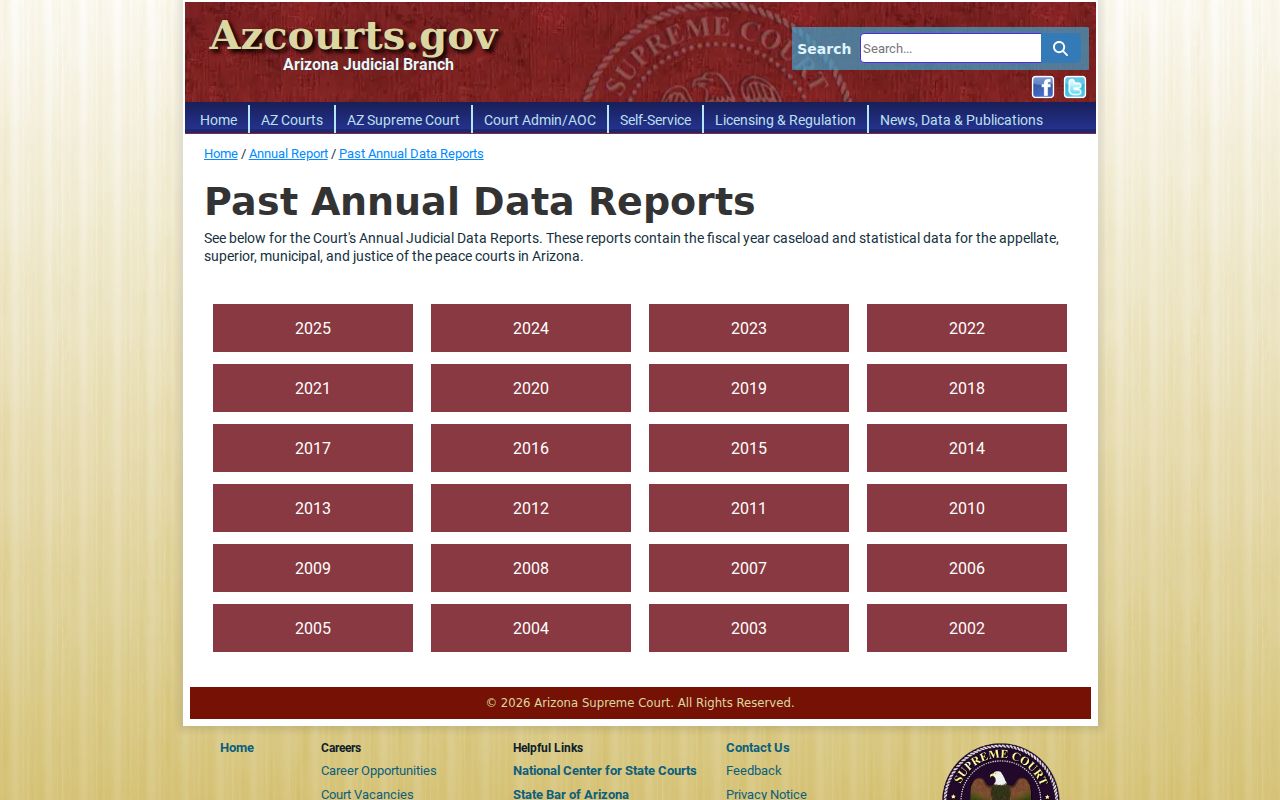
Read the annual reports to understand the system. Then return to the Apache Junction Municipal Court or Justice Court clerk for a specific docket. Court-level statistics cannot replace a citation-number search. They cannot replace a current setting check or a lawful record request either.
The court printed on your notice marks a real line. On one side sits a statistical trend; on the other, an individual record. Municipal totals cannot reveal whether one Apache Junction charge was filed, reset, or disposed. Justice Court totals cannot answer a city citation question. For a live matter, preserve the number and check the current event history. Then ask the named clerk to confirm any setting that affects an appearance.
Note: A city's filing trend and one person's case status answer different questions. Only the clerk who owns the record can confirm the latter.