
Name-Based Case Searches
No case number? No problem. The Arizona Public Access to Court Information site lets you look up a Pinal County court docket by party name. Type the verification word it shows. Then click Submit rather than pressing Enter. The service itself warns that pressing Enter can make the submission fail. Once you are through, choose the party-name route. Narrow the docket search to Pinal County and the likely court.
Spelling carries a lot of weight here. A common surname or a business name can pull up dozens of cases across the state. Filtering by court first saves real effort. Check the case title, the court, the file date, the case type, and each party's role. A shared name alone is never enough to call it a match for a court records search.
- Identify Superior, Justice, or Municipal Court if possible.
- Complete the verification gate and click Submit.
- Enter the exact last or business name and available first name.
- Narrow to Pinal County and the owning court.
- Compare the case header before opening the event history.
Pinal Case Search Verification Gate
A verification image guards the entry to the Pinal County docket search form. Retype the characters and click Submit. The live service then offers a case-number or party-name path to the court docket. Expect the dropdown labels on that live form, not any fixed list quoted elsewhere.
Coverage runs wide but not total. The public index draws from 177 of Arizona's 184 courts. Some case categories and protected data stay out of the index. That applies even in a participating court. Treat what you find as a lead, not proof. The service itself states its information can change. It is not the official record. Confirm anything that matters against the real court file with the clerk.
| Field | Use | Search note |
|---|---|---|
| Verification text | Pass the CAPTCHA gate | Click Submit |
| Case number | Most exact path | Keep dashes and spaces |
| First and last name | Party search | Use exact spelling |
| County or court | Narrow results | Select Pinal and owner |
Case Number Searches
A complete number is the strongest key for a Pinal County case lookup. Copy it straight from the complaint, the citation, a hearing notice, or the first page of a filing. Keep every prefix, digit, dash, and space intact. The court named beside the number matters too. Each limited-jurisdiction court keeps its own records.
Arizona eAccess training material shows criminal formats such as CR202301234. Searches there run with just the numeric portion. Traffic Case Search documents a two-letter prefix followed by a number. Its official example is TR - 19010111. These illustrate the services, not one fixed Pinal format. Enter the number exactly as it appears first. Only then try the variation the live service allows in your docket search.
Best first move: Use the printed case number and named court before changing a party spelling or widening the search.
Pinal Docket Search Field Controls
The eAccess document platform offers richer controls than the free case index. Its official training material describes a basic search by full or partial case number or party name, a court selector, and an advanced panel. That panel can narrow a docket search by filing date range, case number, names, case title, judicial officer, and case type.
| eAccess control | Type | Format or behavior |
|---|---|---|
| Case or party term | Text | One basic search term |
| Select a Court | Dropdown | Narrow to Pinal Superior Court |
| Case Filing Date Range | Date range | Any Time or custom dates |
| First, Middle, Last/Business Name | Text | Full or partial name |
| Judicial Officer Name | Text | Full or partial officer |
| Case Type | Text | Examples include CV/C and CR |
| Boolean operator | Dropdown | AND, OR, or NOT |
Results can be sorted, and page size is configurable. A search caps out at 1,000 results, and exporting requires verification.
Case Search Results Explained
Read a case lookup result from the top down. The header carries the case number. That number anchors everything else in the court docket entry. Filing date and case category tell you what sort of matter you are looking at. Court location and the assigned judicial officer show you where to confirm details in person. Party roles, finally, sort out who is who. That is the caption of the Pinal County record.
| Case information | Number, filing date, title, category, status, court, and judicial officer. |
|---|---|
| Party information | Names, roles, and linked counsel where public. |
| Charge information | Statute, description, classification, and disposition in a criminal matter. |
| Event information | Chronological filings, minute entries, orders, and results. |
| Hearing information | Courtroom, date, type, and result. |
| Document access | Preview, purchase option, or “Document Not Available Online.” |
One caution about titles. A docket title names what was filed, never what the document actually argues. When the exact terms matter, open the image or request the real filing from the clerk.
Pinal Search Results Across City Courts
The Arizona city courts directory explains the municipal layer used throughout Pinal County.
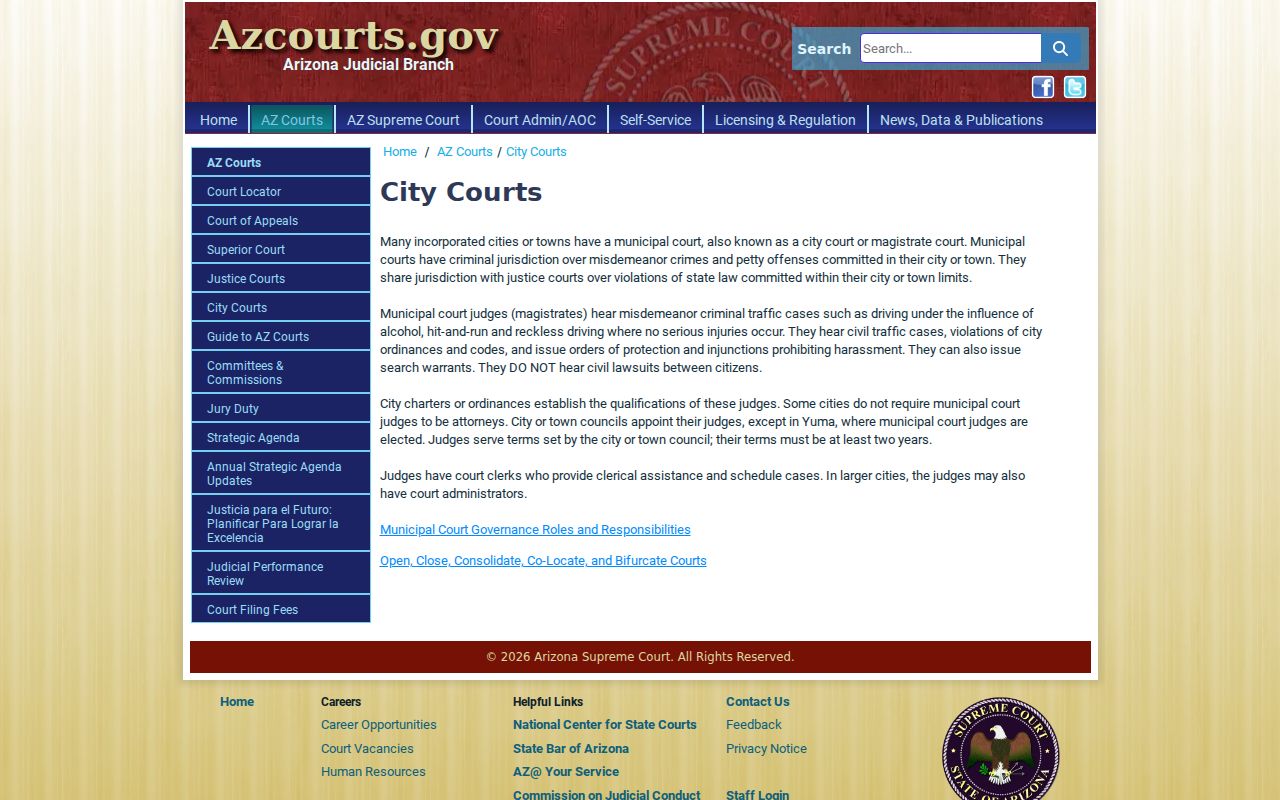
City courts hold their own dockets. Traffic matters, ordinance violations, and misdemeanors that fall inside a city's authority stay with that city's court records. The statewide Case Search does not carry local ordinance charges. An empty result there means a coverage gap, not a hidden case. Maricopa, Casa Grande, Apache Junction, Florence, and Eloy each run a municipal or magistrate clerk. Those clerks handle these city records. Check the citation or the caption first. Then take your Pinal County docket search straight to that city court when the statewide lookup comes back empty.
Two Ways to Search: County and State
Pinal County runs no separate broad public index. Nothing replaces statewide Case Search. Instead, the Pinal County Clerk points people to the state index and the next-hearing tool. The statewide layer finds many participating Superior, Justice, and city cases. The local clerk layer handles official copies, older files, and excluded categories. It also gives direct confirmation from the court.
| Channel | What it provides | When to use it |
|---|---|---|
| Arizona Case Search | Free, nonofficial case index | First broad lookup |
| Arizona eAccess | Paid eligible Superior Court images | Open post-July-2010 documents |
| Pinal Clerk | Certified, older, and request-based records | Official or missing Superior record |
| Justice or city clerk | That court's local record | Limited-jurisdiction matter |
Found your case? The Pinal County court case records page walks through ordering copies and certifications from the clerk.
Pinal eAccess Account Search
The official eAccess information page explains registration and document access.
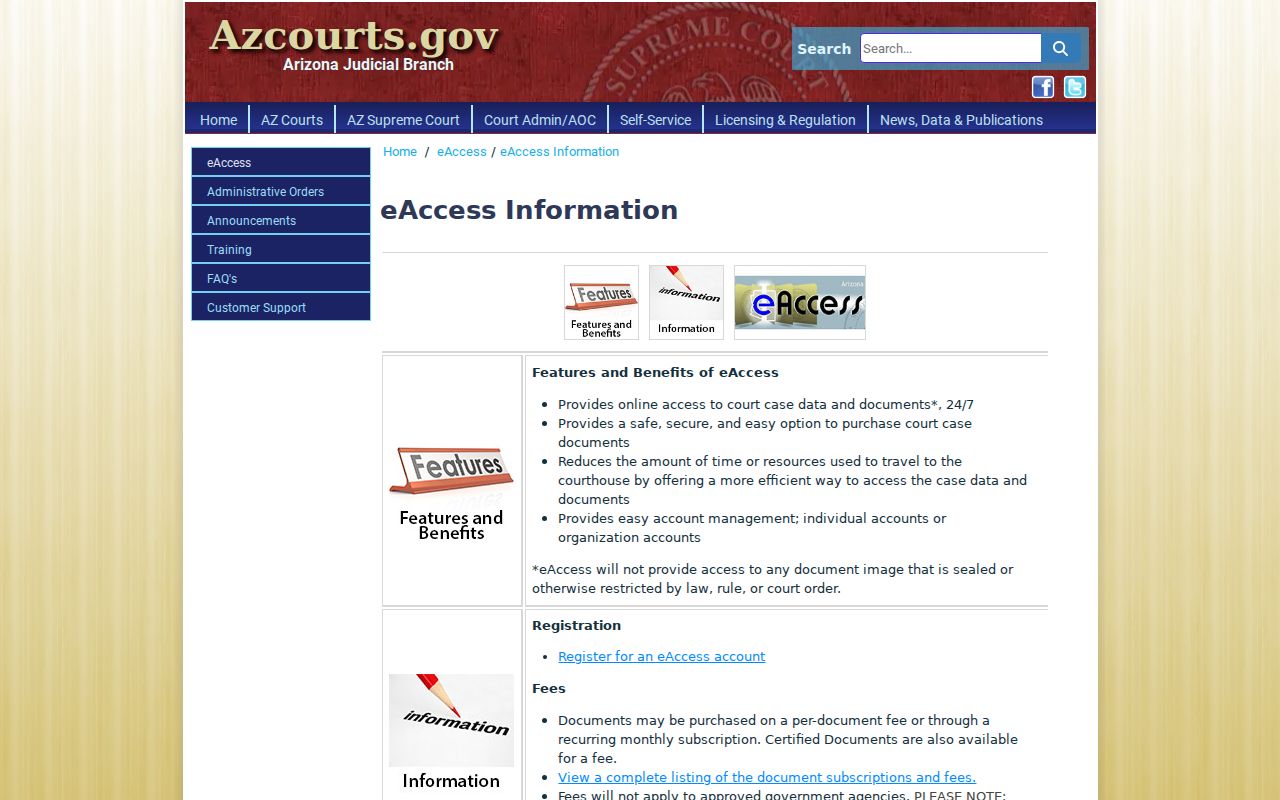
eAccess is not the free public docket index. It is the image layer for qualifying Superior Court material, and it takes an account.
A search may turn up a case first. Then "View Case Details" opens the case, party, charge, event, and hearing information. A preview stops at the first page and carries an unofficial watermark. So treat it as a peek rather than a record copy. Purchases come with a retrieval deadline. Electronic certification is verifiable for a set period. Some recipients will still insist on a raised-seal copy from the Pinal County Clerk. Check the live price before you buy anything.
Pinal Docket Search Update History
The eAccess announcements page records system changes.
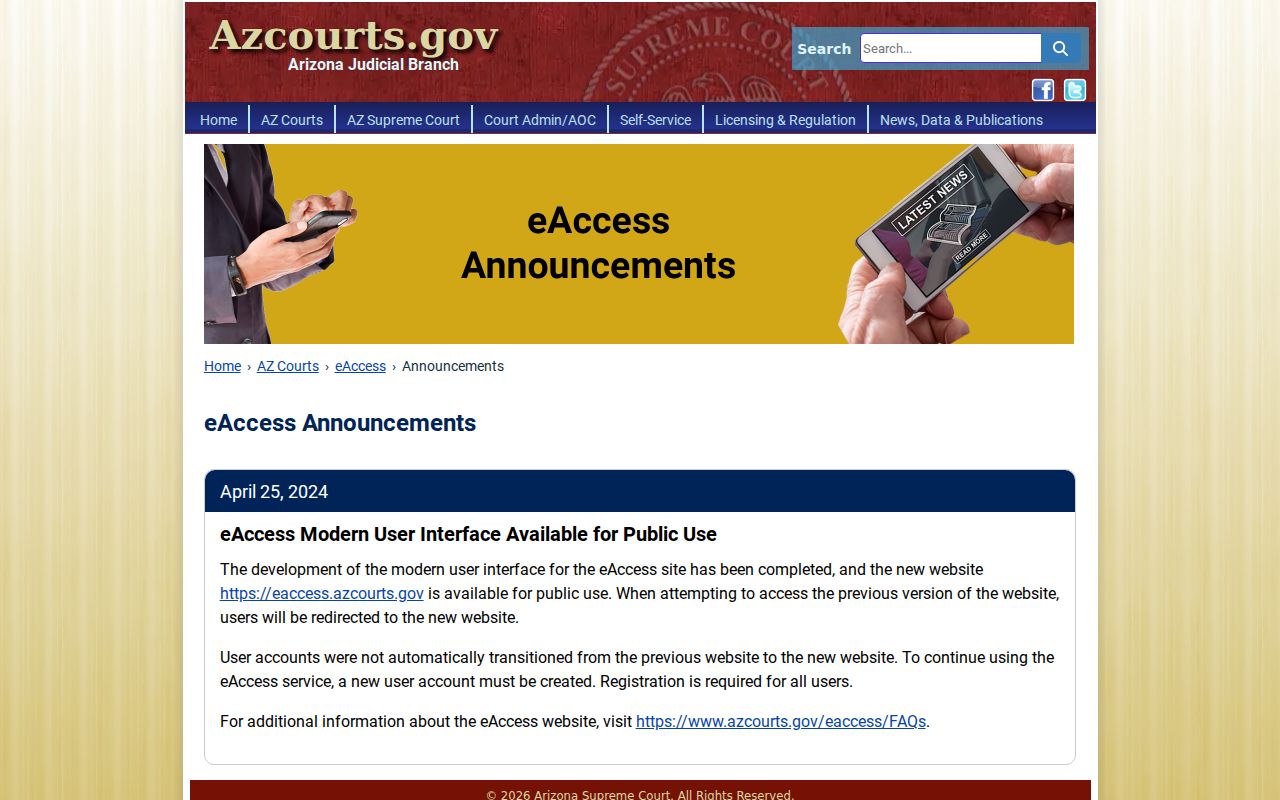
Check the dated notices. They explain account and interface changes that can break a saved search routine. eAccess arrived in 2019, and a modern interface followed in April 2024 with new accounts required. Coverage still runs to eligible open Superior Court civil and criminal documents filed on or after July 1, 2010. Case Search stays free as the index. It refreshes on its own weekly cycle. So when a Pinal County docket search finds a case but no image, keep those two timelines separate.
Pinal No-Result Fallback Chain
An empty result is not proof the case is missing. Spelling slips first, then number format, then the wrong court. A filing can also sit unseen until the weekly refresh catches up. Some case types are excluded outright. Sealed matters and nonparticipating local courts cause blanks too. So work through those causes in that order before concluding a Pinal County docket does not exist.
- Recheck the printed number, punctuation, and party spelling.
- Confirm the owning court from the notice or caption.
- Allow for the Friday-through-Wednesday update window.
- Check whether the matter is probate, mental health, protective order, juvenile, sealed, or a local ordinance case.
- Contact the assigned Superior, Justice, or Municipal clerk.
Need a Pinal Superior Court record by hand? The Clerk's counter sits at 971 North Jason Lopez Circle, Building A, Florence, Arizona 85132. The records office answers at 520-509-3555 and 888-431-1311. Mail requests go to P.O. Box 2730, Florence, AZ 85132, enclosing the request form, a return envelope, and an approved payment method once the fee is known.
Which Cases Stay Restricted
Arizona Case Search keeps some records off screen. Sealed cases, orders of protection, mental-health and probate files, victim and witness data, and juvenile delinquency or incorrigibility information never appear there. The Pinal Clerk flags dependency, severance, adoption, and mental-health files as closed to general review or copying. Local ordinance cases are simply outside its coverage.
Access rule: Arizona Supreme Court Rule 123 governs judicial records. A routine request cannot override a seal, confidentiality law, or court order.
The Arizona Code of Judicial Administration index links the electronic-access framework.
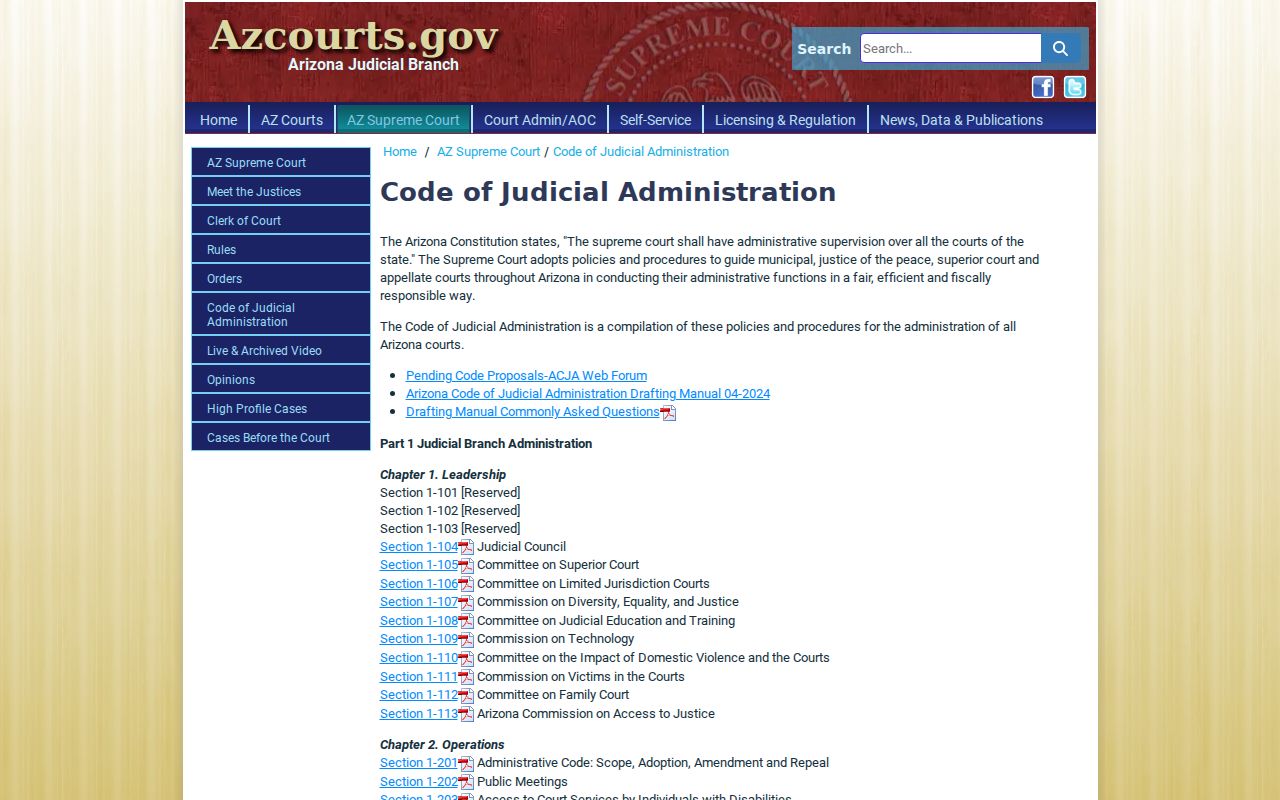
That official source shows where remote access stops and the fuller lawful court record at the courthouse begins.
Pinal Official Record Verification
A statewide docket result is not the official record. For a Pinal County case, only the clerk's certified copy counts. Vital hearing details should be confirmed with the assigned court itself. Superior Court records live with the Pinal County Clerk of the Superior Court. Justice Court and Municipal Court cases belong to the clerk of whichever court handled the matter.
When you contact the clerk, come prepared. Have the full case number. Note the case type, an approximate date, and the exact title of the filing you want. The Pinal Clerk warns that incomplete requests can trigger a research fee. Expect up to five business days just to get a fee quote. Then another five business days after payment for processing. That is why a careful Pinal County docket search pays off twice. It locates the case. It also hands the clerk enough detail to pull the right court filing without delay.
Note: A public register entry can stay visible under a generic title. The document image itself may still be restricted.